
 GageMakkal
 MainteMakkal
MainteMakkal › Help
MainteMakkal help
Short how-to videos for the jobs you do every day, each with its steps written out, and what every page of MainteMakkal is for. In the app, “Help for this page” opens the same texts.
How-to book
1. Getting started
2. Breakdowns
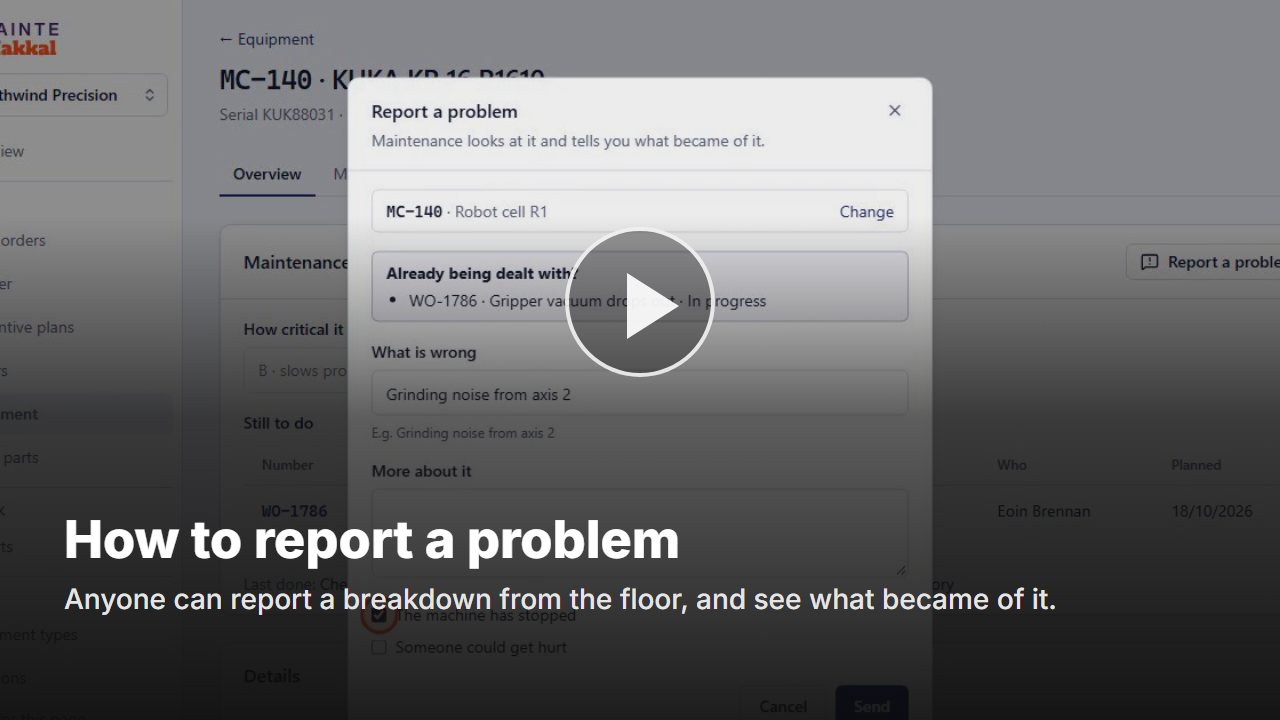 How to report a problemAnyone can report a breakdown from the floor, and see what became of it.Video · 43 s
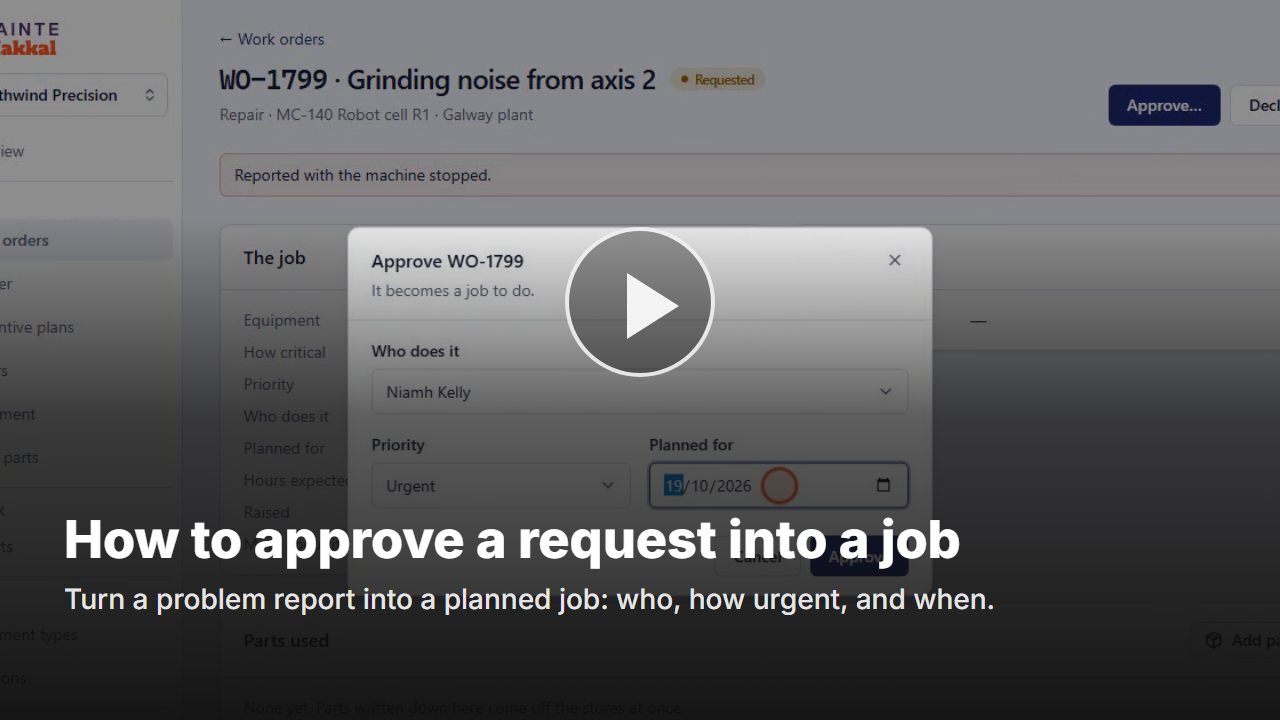 How to approve a request into a jobTurn a problem report into a planned job: who, how urgent, and when.Video · 51 s
- How to decline a requestRead: Work orders · video coming
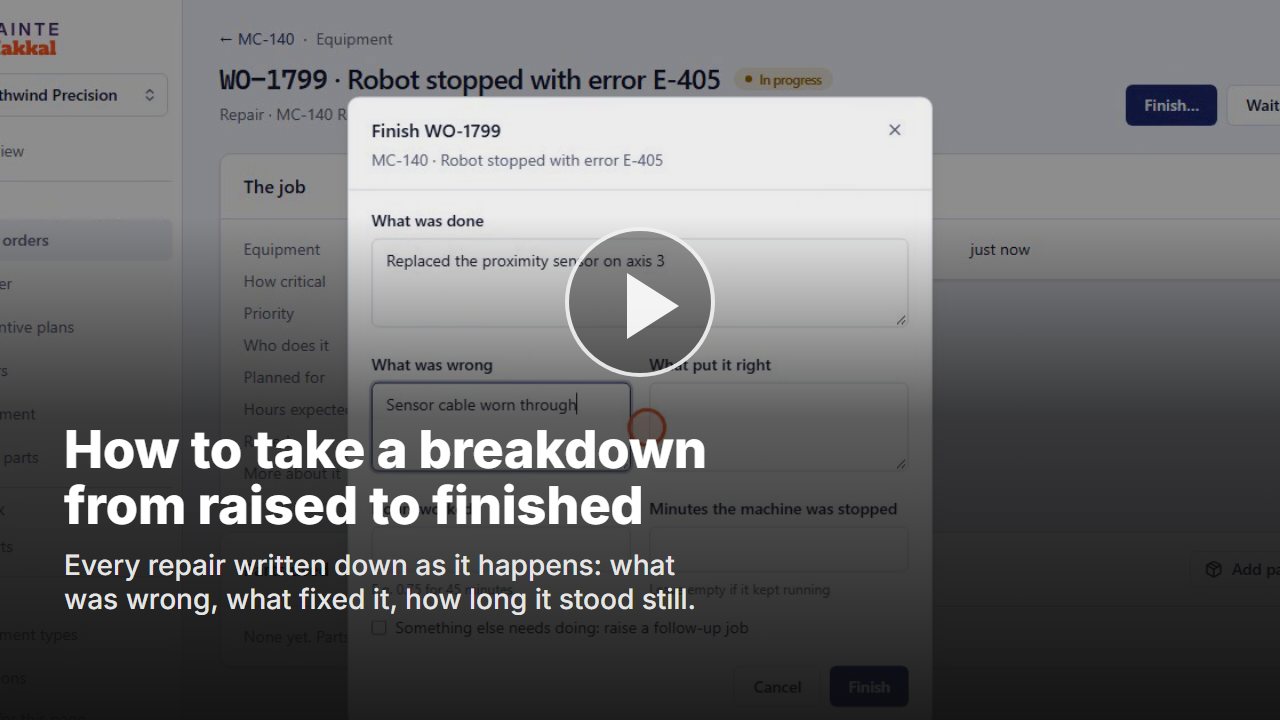 How to take a breakdown from raised to finishedEvery repair written down as it happens: what was wrong, what fixed it, how long it stood still.Video · 1 min 11 s
- How to write down work already doneRead: A work order · video coming
3. Planning the work
4. Preventive maintenance
5. At the machine
- How to tick a checklist and follow up a value out of limitsRead: A work order · video coming
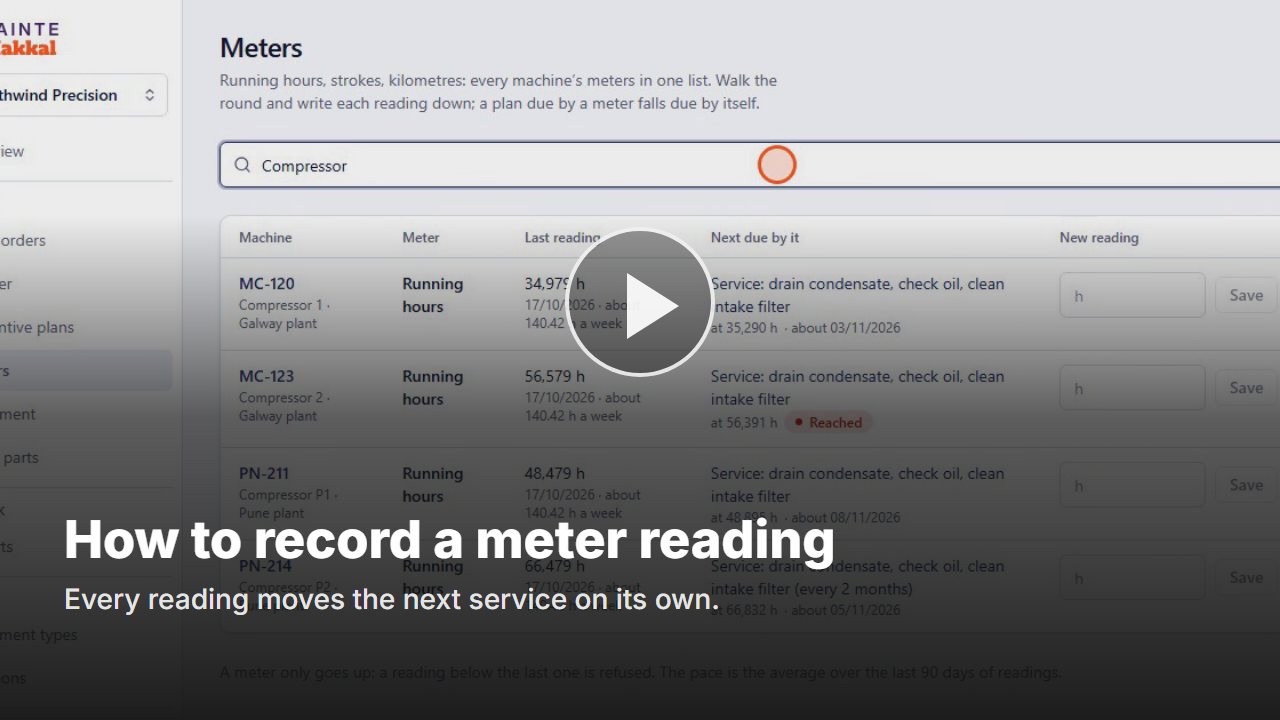 How to record a meter readingEvery reading moves the next service on its own.Video · 59 s
- How to read a machine’s maintenance historyRead: A piece of equipment · video coming
- How to set how critical a machine isRead: A piece of equipment · video coming
6. Spare parts
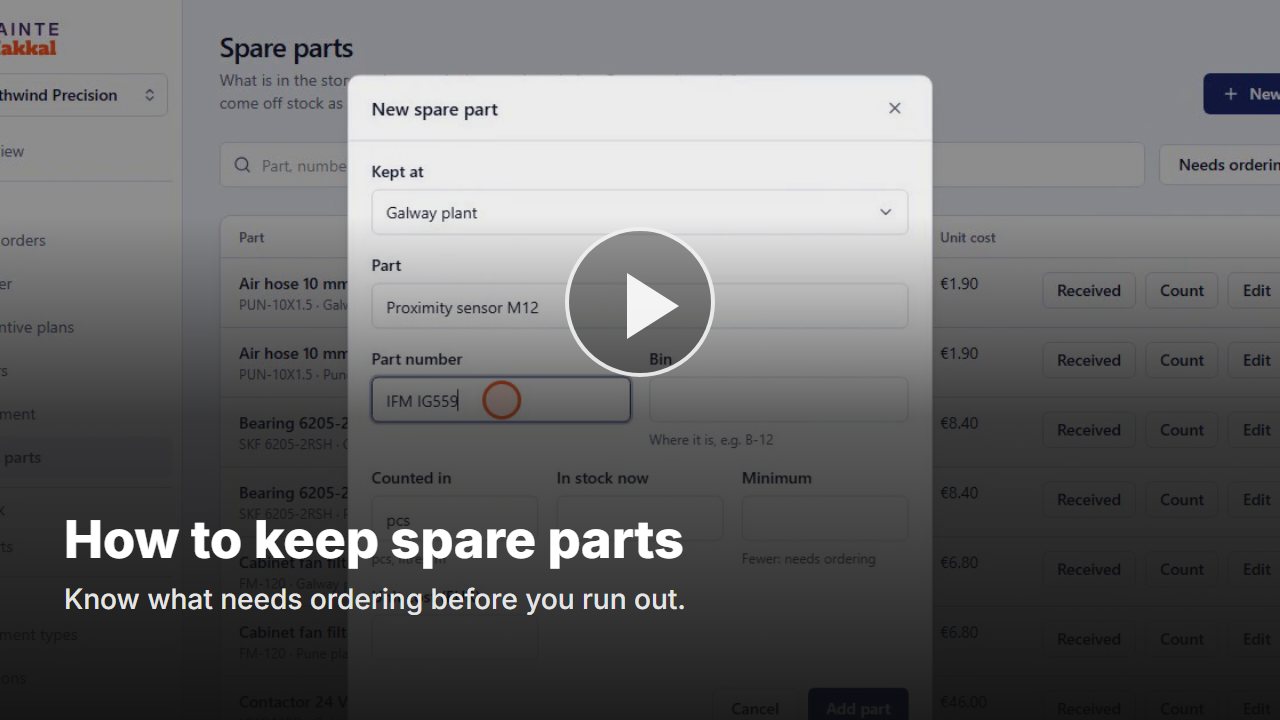 How to keep spare parts and use them on a job
Every page explained
MainteMakkal
- MainteMakkal OverviewWhere maintenance stands today: how many jobs are open, in progress or waiting, which are urgent or overdue, and what was done lately.
- Work ordersEvery maintenance job: To look at (requests, for Planners), To do, Mine, My requests, and Done and cancelled. Search by number (WO-1001), job or asset ID.
- A work orderOne job on one machine: what it is, how urgent, who does it and when, and, once done, what was done, what was wrong and what put it right.
- Preventive plansWork that comes round every so many weeks or months: lubrication, cleaning, inspections, safety checks. Each plan makes its own work orders ahead of time.
- A preventive planOne job that comes round: on which machines, how often, what is checked, where each machine stands and what was done before.
- PlannerWho does which job on which day. A day or a week by person, a month as a calendar, and a year by month, with the jobs the preventive plans will make.
- MetersEvery machine’s meters in one list: running hours, strokes, kilometres. Walk the round and write each reading down here, without opening each machine.
- Spare partsWhat is in each site’s stores, where it is, and what needs ordering. Parts used on a job come off stock as they are written down on the job.
- ReportsHow the maintenance went over the last 30 days, 90 days or 12 months: how much of the work was planned, whether plans were done on time, how long machines stood still, which break down most and why.
Shared with GageMakkal
- Another Makkal appEvery Makkal app is open to your organization: GageMakkal for calibration, MainteMakkal for maintenance. The app list at the top left shows the apps you work in, then the others. If nobody here uses an app yet, start it: you become its Admin and give colleagues roles in it. If colleagues already use it, ask for access and its Admins get your request by email.
- EquipmentEvery piece of measuring equipment, with its status and when it is next due. Search by asset ID, serial number, barcode or type, and narrow the list by status or site.
- A piece of equipmentEverything about one piece: what it is, where it is kept, who looks after it, when it is next due, how it is calibrated, and every calibration and certificate it has had.
- Equipment typesOne per make and model. A type holds what its pieces start with: who calibrates them, how often, and the procedure. Set it once; every piece follows unless it is given its own value.
- LocationsWhere every piece is kept: the areas, rooms, cells and stores inside each site. The plan draws itself from them.
- PeopleWho can sign in, and what each person may do: Owner, Admin, Member or Viewer, for the whole organization or for one site.
- TeamsGroups of your own people at a site. A team says whose equipment something is and who is told about it; what a person may do stays with their role. A calibration supplier is not a team.
- SitesThe plants or offices of the organization. Each piece belongs to one site, and people see the sites they were given.
- SettingsThe organization’s name and logo, time zone, date format and currency (spare part costs are in it), and how calibration works here: the usual interval, when a piece counts as due soon, which calibrations need approval, and whether you number your own certificates. AI credits shows how many pages AI has read from dropped certificates, who used them, and how to get more.
- Your profileHow you appear to colleagues in this organization, and how you sign in. Only you change it; your role and teams are set by an Owner or Admin.
- Audit logWho did what and when: every sign-in, every change to a piece, every calibration recorded or approved. It cannot be edited.